Getting started
Installation
The code is available on PyPi and should be installable with:
pip install xmcd-projection
Usage
Example code where the mesh is in example_mesh.msh file and magnetization data in mag_file.csv.
The latter can be generated by opening the simulation in Paraview and going to Save Data… and exporting to .csv
from xmcd_projection import *

msh_file = "example_mesh.msh"
mag_file = "mag_data.csv"

# get the mesh
msh = Mesh.from_file(msh_file)
# get the projection vector
p = get_projection_vector(90, 16)

# prepare raytracing object
raytr = RayTracing(msh, p)
raytr.get_piercings()
struct = raytr.struct
struct_projected = raytr.struct_projected

# load magnetization and make sure the indices are not shuffled
magnetisation, mag_points = load_mesh_magnetisation(mag_file)
shuffle_indx = msh.get_shuffle_indx(mag_points)
magnetisation = magnetisation[shuffle_indx, :]

# get the colours and xmcd values
xmcd_value = raytr.get_xmcd(magnetisation)
mag_colors = get_struct_face_mag_color(struct, magnetisation)

# define the visualizer parameters and show
azi = 90
center_struct = [0, 0, 0]
dist_struct = 2e4
center_peem = [0, -1000, 0]
dist_peem = 2e5

vis = MeshVisualizer(struct, struct_projected,
                    projected_xmcd=xmcd_value, struct_colors=mag_colors)
vis.show(azi=azi, center=center_peem, dist=dist_peem)
vis.start()
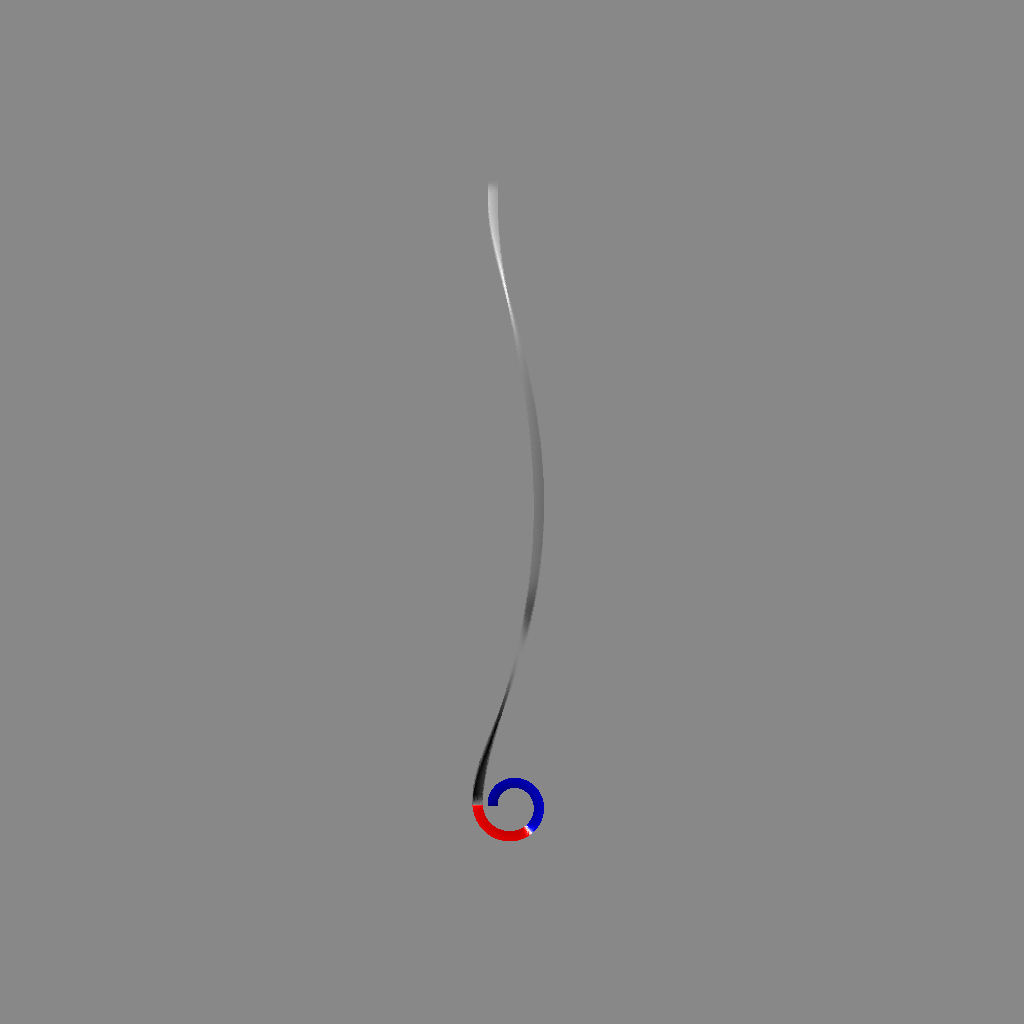
The raytracing and shuffle_indx can take a while to generate. It is useful to do it once for a structure and then save it:
np.save("raytracing.npy", raytr, allow_pickle=True)
np.save("shuffle_indx.npy", shuffle_indx)
For loading:
raytr = np.load("raytracing.npy", allow_pickle=True).item()
struct = raytr.struct
struct_projected = raytr.struct_projected
shuffle_indx = np.load("shuffle_indx.npy")
Shadow or the structure can be removed to focus on only one:
# only the projection
vis.view_projection(azi=azi, center=center_peem, dist=dist_peem)
# only the structure
vis.view_struct(azi=azi, center=center_struct, dist=dist_struct)
# show both
vis.view_both(azi=azi, center=center_peem, dist=dist_peem)